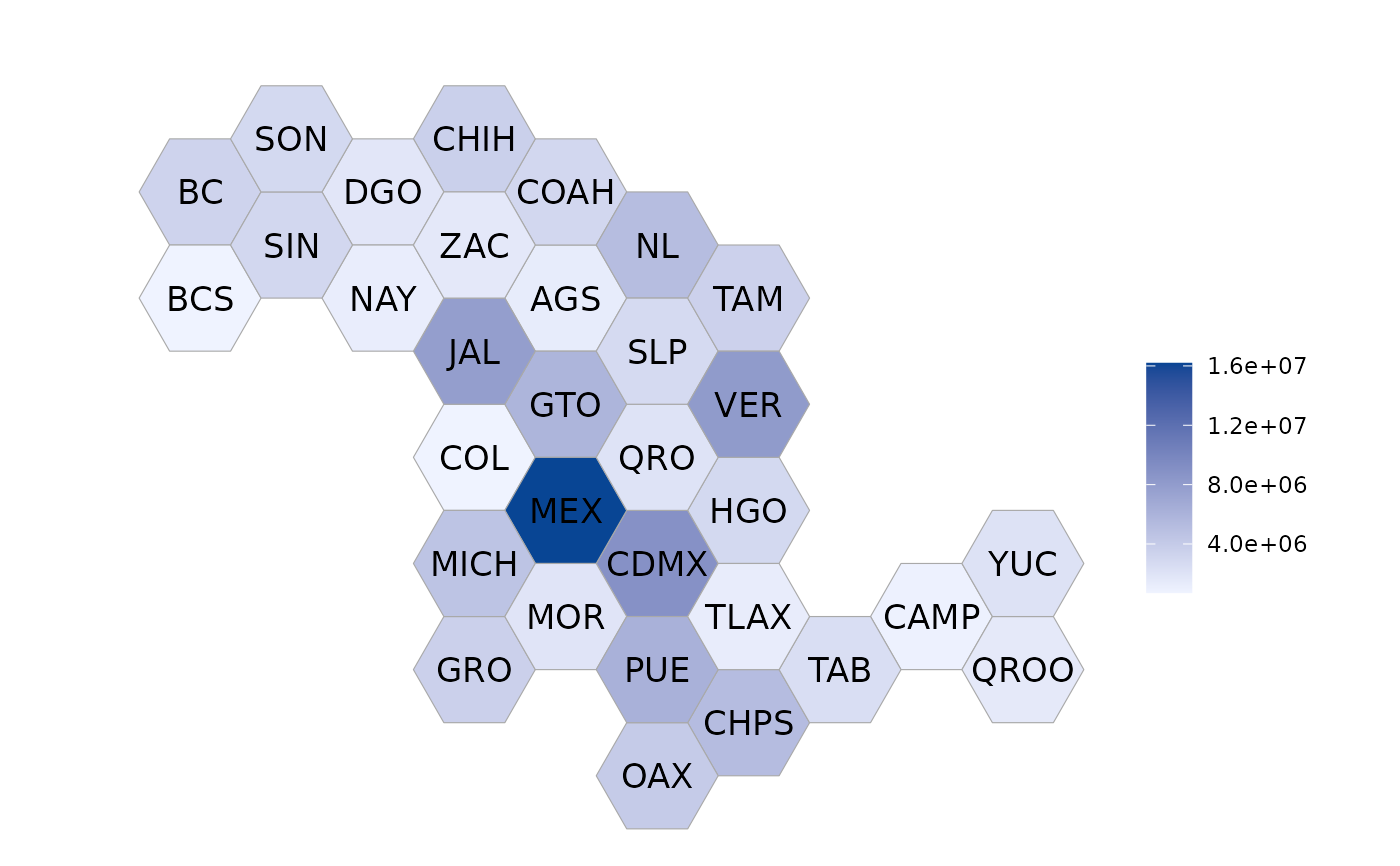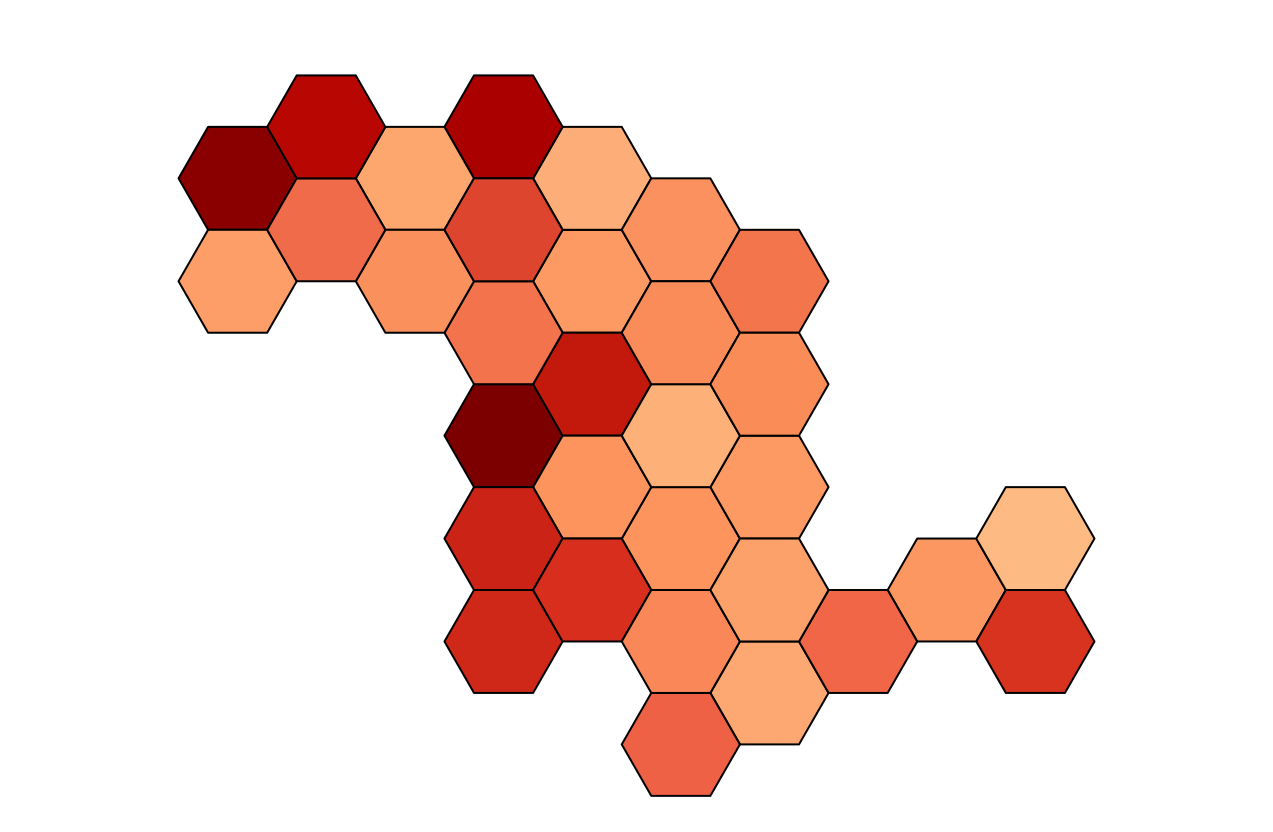
Hexagonal tiles of the states of Mexico
Usage
mxhexbin_choropleth(
  df,
  title = "",
  legend = "",
  state_border_color = "dark grey",
  state_border_size = 0.2,
  background_color = "white",
  title_color = "black",
  title_align = 0.5,
  title_position = "plot",
  num_colors = 7,
  zoom = NULL,
  label_color = "black",
  label_size = 4.5,
  shadow_color = NULL,
  auto_contrast = NULL
)
Arguments
- df
A data.frame with a column named "region" and a column named "value". Elements in the "region" column must exactly match how regions are named in the "region" column in ?df_mxstate.
- title
An optional title for the map.
- legend
An optional name for the legend.
- state_border_color
Border color of polygons.
- state_border_size
Border line width.
- background_color
Background color of the map and legend.
- title_color
Title text color.
- title_align
Horizontal justification of title.
- title_position
Either "plot" or "panel".
- num_colors
The number of colors to use on the map. A value of 1 will use a continuous scale, and a value in [2, 9] will use that many colors.
- zoom
An optional vector of states to zoom in on. Elements of this vector must exactly match the names of countries as they appear in the "region" column of ?country.regions
- label_color
An optional color for the state abbreviation labels
- label_size
An optional size for the state abbrevition labels
- shadow_color
An optional shadow color for the state abbreviation labels
- auto_contrast
Optional argument to automatically determine the best contrast for the state abbreviation labels
Examples
data(df_mxstate)
df_mxstate$value <- df_mxstate$pop
mxhexbin_choropleth(df_mxstate, num_colors = 1)